This guide provides users with the necessary steps to reset their Citrix Workspace application. Resetting Citrix can help resolve general connectivity issues, application freezing, or profile sync errors.
Step-by-Step Instructions
Follow the steps below to successfully reset your Citrix Workspace:
Right-click on the Citrix Workspace icon and select Advanced Preferences.
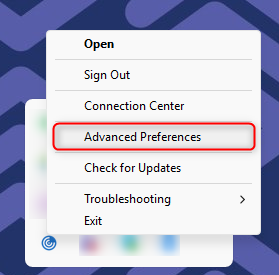
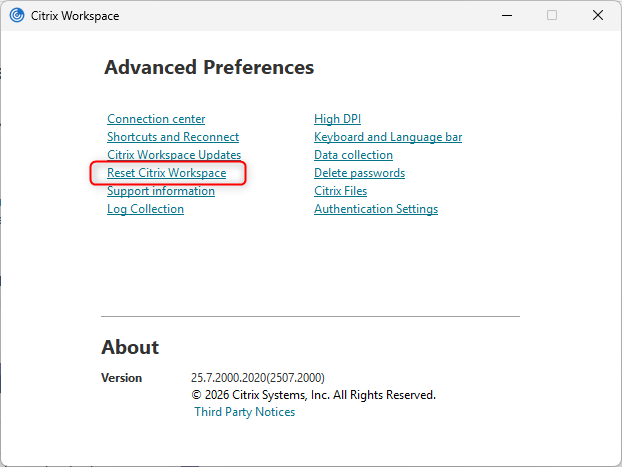
Click on Reset Citrix workspace.
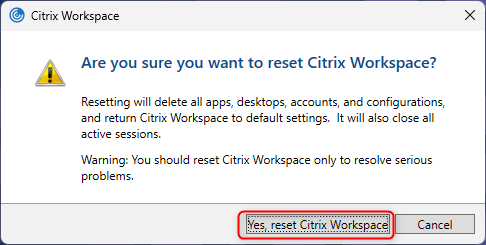
When prompted with a confirmation dialog, click Yes, reset Citrix workspace.
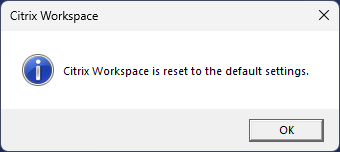
Click OK to confirm the reset has been completed.
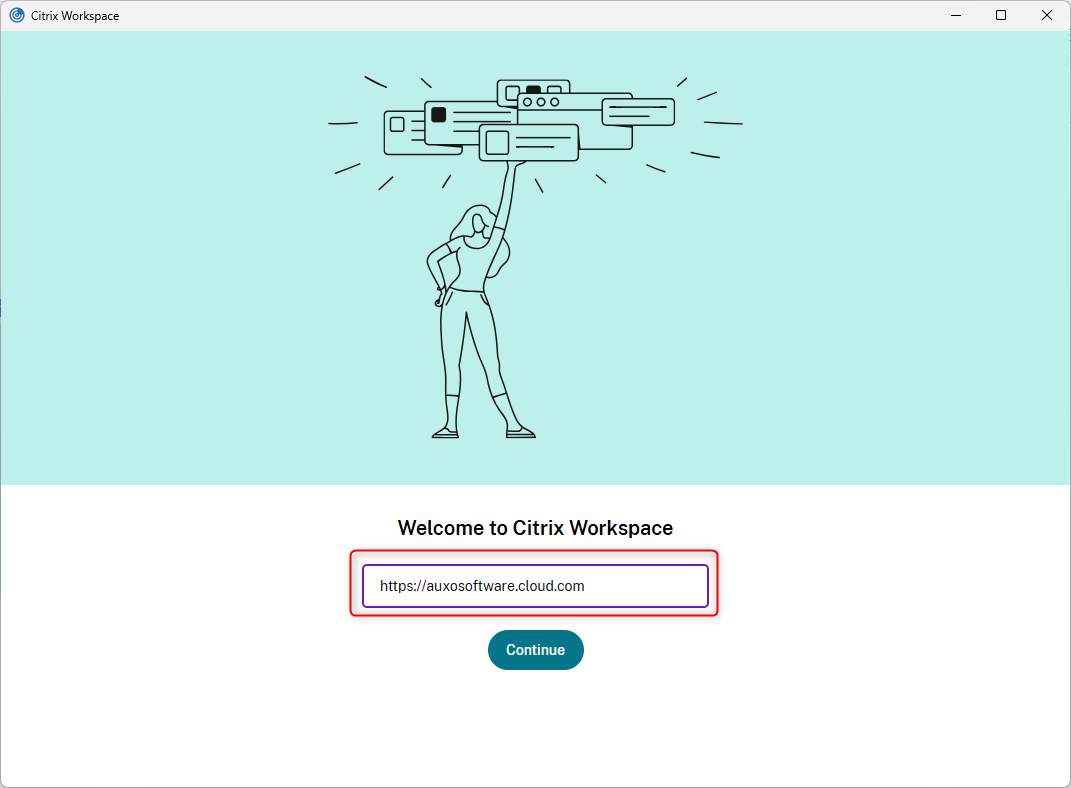
Put the server address as below in the next screen and click Continue.
https://auxosoftware.cloud.com
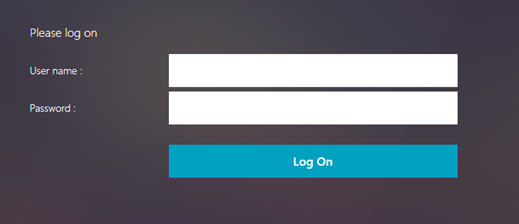
On the next screen Put your Citrix Username and Password and click Log On.